
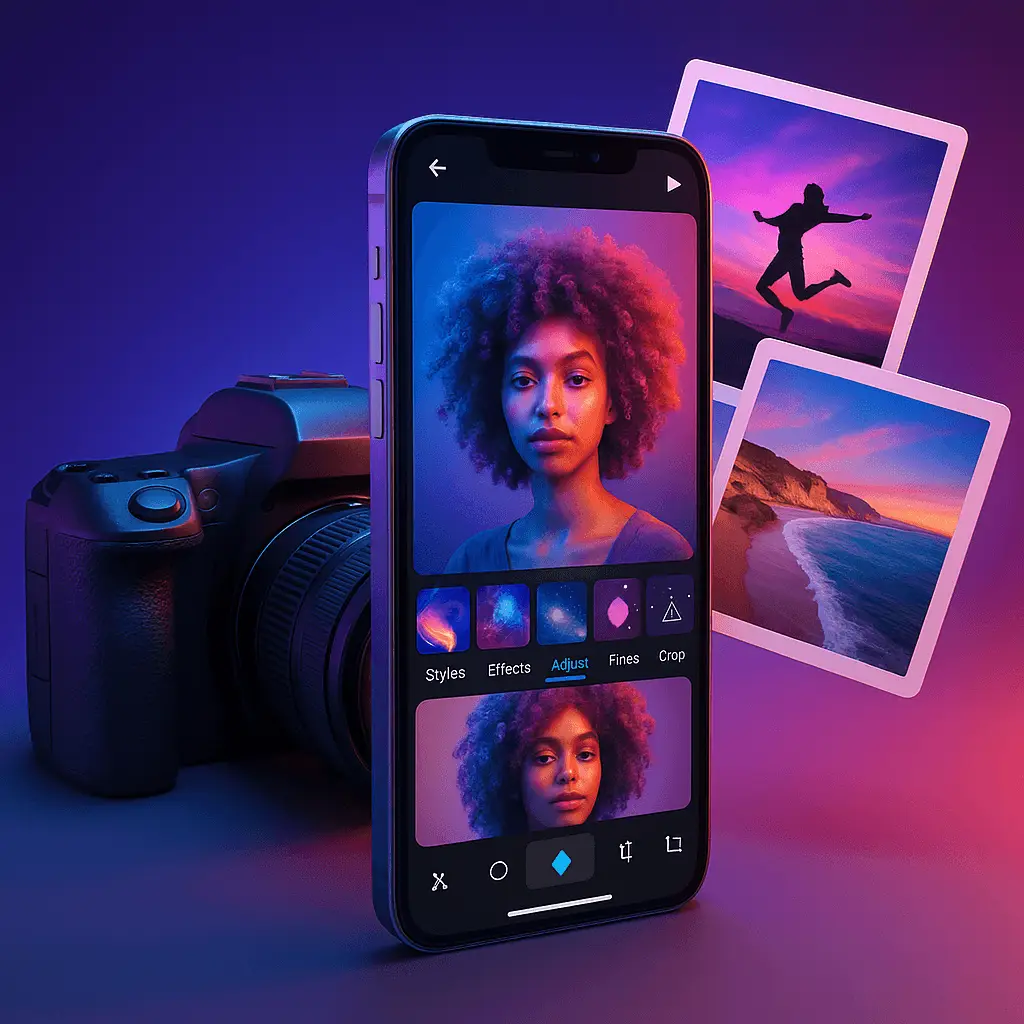
Hook
I opened Canva on my iPhone and cranked out a reel in minutes. No panic, no fiddly menus. Honestly, it felt like the app did half the job for me.
Sick of clunky editors? Same. I test a lot for my mobile app reviews, and this one feels breezy and friendly.
What It Does
Canva: AI Photo & Video Editor lets you design, edit photos, and make videos on iOS. Posts, slides, resumes, promos—one place, no chaos.
AI steps in to speed everything up. Templates, smart tools, and clean exports without the headache—nice touch.
Quick Basics
Developer: Canva Pty Ltd. Category: Photo & Video. Rating: 4.9 stars from 3,175,616 ratings. Version: 4.194.0. Price: Free.
It’s available on iOS (and Android exists too), but I tested on iPhone and iPad. Grab it here: Canva on the App Store.
What’s New
On iOS 26.0 or 26.0.1? The team recommends updating to 26.1 for a smoother time. Good heads‑up.
Video 2.0 is the headline. Layer, sync, and time elements with a much better timeline. Templates got a refresh, and watermark-free exports are here.
Magic Video on iPhone is wild—in a good way. Drop clips in and it builds a social-ready cut with beats, effects, and text.
Features I Liked
1) Magic Video and Veo 3
I tossed in a few clips and watched Magic Video assemble a reel automatically. It nailed pacing and text placement—shockingly well.
Veo 3 feels next-level. Type a prompt and it generates a video with sound. Perfect for quick campaign drafts when time’s tight.
2) Background Remover and Cleanup Tools
The background eraser is fast and clean. My product shots looked studio-ready in seconds—no halos, no mess.
If tidy edges matter to you, it belongs on any list of best cleanup apps. Not gonna lie, it saved me hours.
3) Timeline Editing in Video 2.0
Layering and timing finally feel right on mobile. The upgraded timeline makes motion tweaks far less painful.
Beat Sync is clutch for social clips. Transitions land on the music automatically—zero guesswork.
4) Templates and Smart Suggestions
Templates are legit time-savers. Start a reel, deck, or resume in minutes and keep moving.
Suggestions feel helpful, not bossy. You can tweak fast and still keep your style intact.
What Could Be Better
Complex edits still work better on desktop. If you need heavy compositing, you’ll likely switch devices.
Veo 3 can be hit or miss with vague prompts. Be specific—mood, length, style. Expect a few retries.
Magic Video shines on short clips. Longer edits need manual polish. Plan for that time.
Price & Value
Canva is free to download. You get 5GB for everyone, plus a big library of templates and tools.
For casual creators, that’s plenty. And based on the mobile app reviews I read, teams love the time saved by the AI features.
Considering speed and polish, the value lands strong. I’d use it daily without thinking twice.
App Usability
Navigation is simple. Big buttons, clear labels, and obvious actions—no mystery icons.
In my app usability reviews, I obsess over clean flows. Canva nails that across photo and video tools.
I checked a few app review sites too. Most praise the quick learning curve and friendly UI.
Performance and Testing
I edited on an iPhone and iPad for a week. No crashes—just smooth playback and quick exports.
My mobile app testing reviews look at speed, stability, and output quality. Canva held up under pressure.
Even layered timelines stayed responsive. That’s rare on mobile editors—and it matters.
iOS-Only Availability
Canva on mobile runs great on iOS, and there’s Android as well. I focused this round on the iPhone and iPad experience.
If you track ios app reviews, it ranks near the top for design and video tools. Hard to argue.
Many professional app review websites call it a must-have for Apple users. I get why.
Use Cases That Make Sense
- Social creators: Short reels, quick captions, and clean templates. Magic Video is your buddy.
- Small businesses: Product shots, flyers, and ads. The background remover is clutch for listings.
- Students: Fast presentations and resumes. Templates keep things polished under deadlines.
- Marketing teams: Batch content with consistent branding. Veo 3 drafts ideas fast.
Who Should Get This
Want speed and clean results? Grab it.
Beginners will love the gentle guidance. Pros will appreciate the timeline and export control.
If you compare mobile app reviews, this one ranks high for daily content. The pattern checks out.
How It Compares
Versus heavy editors, Canva is faster and friendlier. You trade deep control for speed—fair deal for most.
Compared to other photo tools, its cleanup and templates stand out. It belongs in the best cleanup apps conversation.
On app review sites, it often wins on usability. That mirrors my app usability reviews notes.
Tips to Get More From Canva
- Use precise prompts for Veo 3—mention mood, pacing, and sound.
- Try Magic Video for drafts. Then fine-tune timing in the Video 2.0 timeline.
- Leverage templates for structure. Swap fonts and colors to protect your brand.
- Export watermark-free when available. Your content looks instantly more pro.
Final Verdict
I’m keeping Canva on my home screen. It makes photo cleanup and video edits painless.
If you follow ios app reviews, you’ve seen the buzz. It’s earned.
My mobile app testing reviews score it high on speed and reliability. I’d recommend it to most creators.
For design and content on iPhone or iPad, it just feels right. Quick, modern, and trustworthy.
If you browse professional app review websites, you’ll see the same take. Canva is an easy win for daily content.
Download it if you want less editing time—and more posting.




Leave a Reply