
Quick Overview
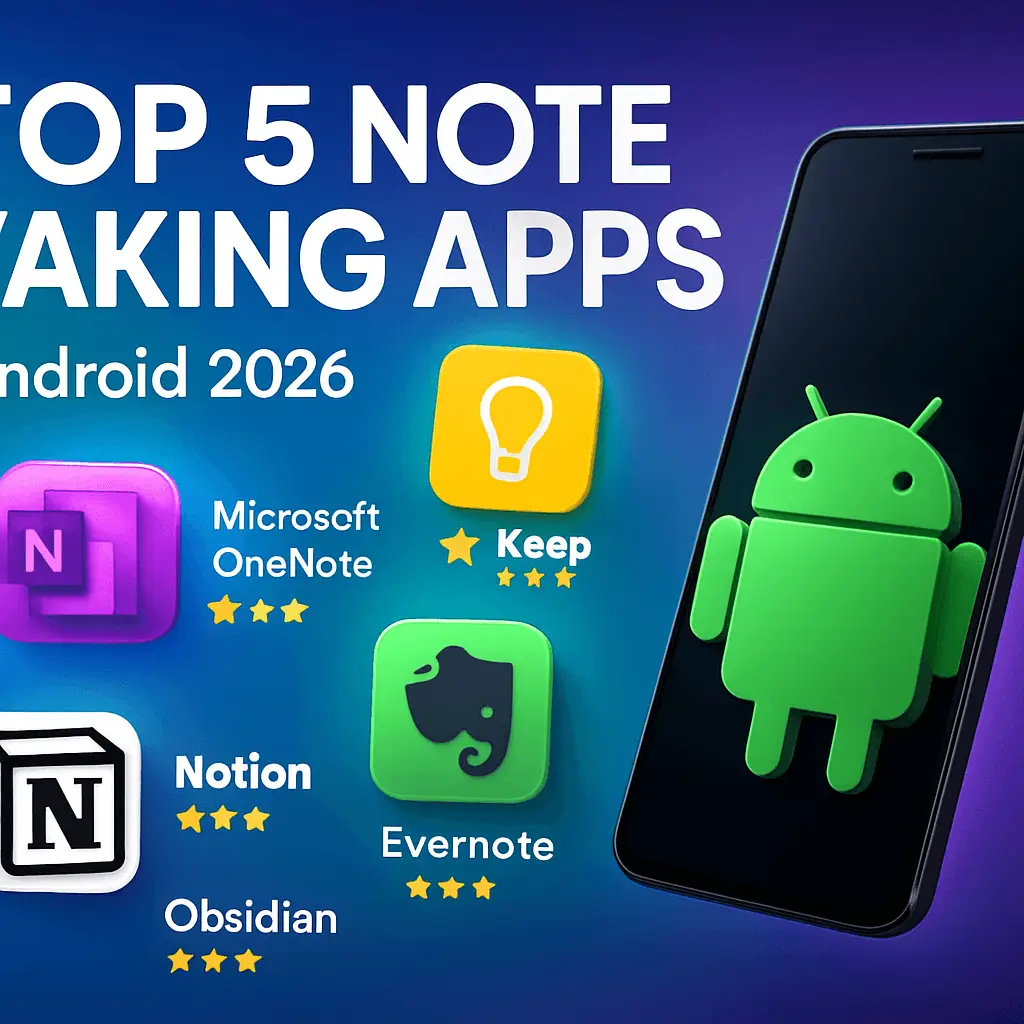
In 2026, note-taking apps for Android have evolved with AI transcription, seamless sync, and privacy features. These top apps from android app review sites boost productivity for students, professionals, and teams seeking the best android apps and top apps for android.[1][2]
📋 In This Article
Microsoft OneNote
⭐ 4.6 Rating • 500M+ Downloads
Microsoft OneNote stands out as a versatile note-taking powerhouse for Android, praised across android app reviews for its free-form canvas supporting rich media like handwriting, drawings, audio, and Office integration. Ideal for tablets, phones, and e-ink devices, it excels in organization with sections, pages, and search across handwritten notes. Syncs seamlessly via Microsoft account, making it perfect for students and professionals needing robust, cross-device productivity in the best apps 2026.[1][2][6]
✨ Key Features
- ✓ Free-form canvas for handwriting & drawings
- ✓ Audio recording & media embedding
- ✓ Powerful search across all content types
- ✓ Microsoft 365 integration & real-time collaboration
👍 Pros
- Completely free with excellent features
- Superior organization & e-ink support
- Seamless cross-platform sync
👎 Cons
- Extra storage requires Microsoft 365
- Can feel overwhelming for simple notes
Google Keep
⭐ 4.5 Rating • 1B+ Downloads
Google Keep is the ultimate lightweight note-taker for Android users wanting quick capture of ideas, checklists, and reminders. Featured in top android app review sites, its colorful, card-based interface syncs instantly across Google ecosystem devices. Perfect for on-the-go users, it supports voice notes, labels, and location-based alerts without complexity, making it a staple among best android apps for casual productivity.[1][2]
✨ Key Features
- ✓ Color-coded notes & labels
- ✓ Time/location-based reminders
- ✓ Real-time collaboration & sharing
- ✓ Voice memos & drawings
👍 Pros
- Totally free with Google storage
- Lightning-fast & intuitive
- Perfect Google ecosystem integration
👎 Cons
- Limited organization for complex notes
- No offline advanced editing
Evernote
⭐ 4.4 Rating • 100M+ Downloads
Evernote remains a veteran in android app reviews, offering powerful organization for notes, tasks, scans, and web clips. Its searchable OCR handles everything from handwritten notes to PDFs, with premium features like task management and integrations. A favorite for note-heavy users among top apps for android, it balances power and accessibility for professionals.[2][3]
✨ Key Features
- ✓ OCR search in images & PDFs
- ✓ Web clipper & document scanning
- ✓ Task management & templates
- ✓ Cross-device sync & sharing
👍 Pros
- Excellent search & organization
- Rich media & scanning support
- Proven long-term reliability
👎 Cons
- Premium features behind paywall
- Free version has upload limits
Notion
⭐ 4.7 Rating • 10M+ Downloads
Notion transforms Android note-taking into an all-in-one workspace with databases, templates, and AI assistance. Highly rated in best apps 2025 lists, it’s ideal for teams and power users building custom knowledge bases, project trackers, and wikis. Its flexibility makes it a top choice among android app review sites for those outgrowing simple notes.[1][5]
✨ Key Features
- ✓ Custom databases & linked pages
- ✓ Rich templates & AI writing tools
- ✓ Real-time team collaboration
- ✓ Cross-platform sync & embeds
👍 Pros
- Infinitely customizable workspaces
- Great for teams & projects
- Generous free tier
👎 Cons
- Steep learning curve
- Performance issues on mobile
Obsidian
⭐ 4.3 Rating • 1M+ Downloads
Obsidian revolutionizes note-taking for Android with local Markdown files and graph views linking ideas into a personal knowledge base. Popular among researchers in top apps for android lists, it offers plugins, backlinks, and offline-first design for building a ‘second brain’ without vendor lock-in.[1]
✨ Key Features
- ✓ Local Markdown files & backlinks
- ✓ Knowledge graph visualization
- ✓ Extensive plugin ecosystem
- ✓ Canvas for visual note mapping
👍 Pros
- Full data ownership & privacy
- Powerful for knowledge management
- Highly customizable
👎 Cons
- Mobile experience less polished
- Sync requires paid add-on
🎯 Ready to Boost Your Note Taking?
Explore these best android apps from trusted android app review sites and pick the perfect top app for android to transform your workflow today!



Leave a Reply