
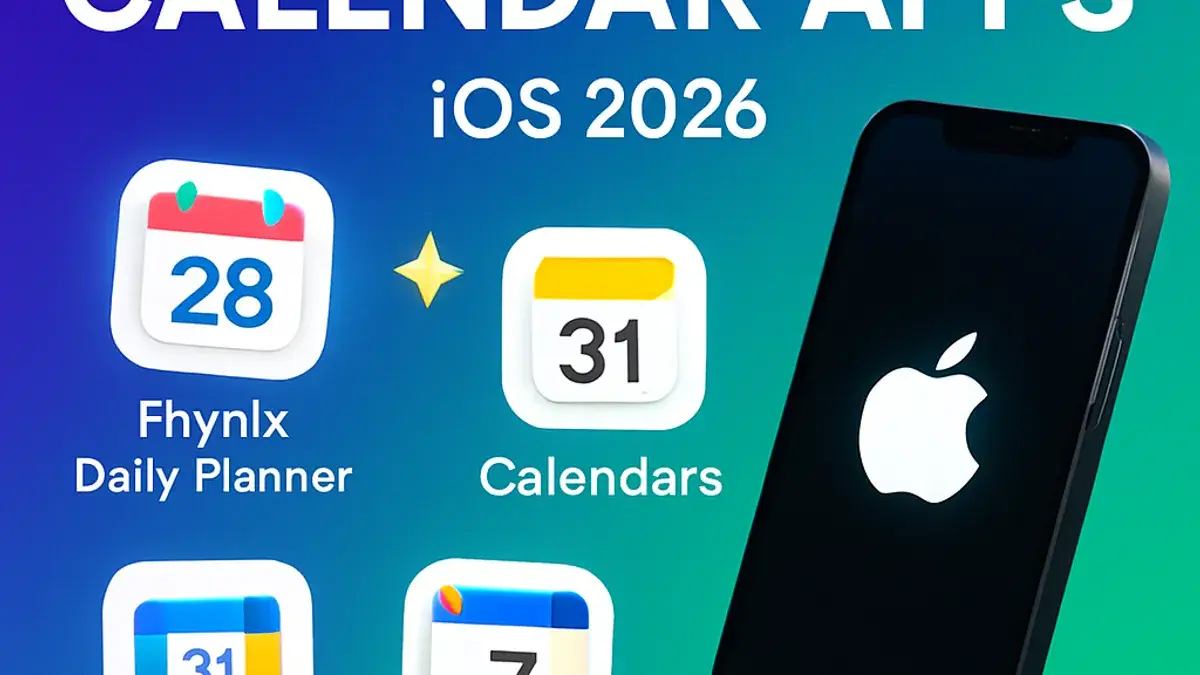
5 Best Calendar Apps for iOS in 2026
Quick Overview
Finding the right calendar app can transform how you manage your schedule and productivity. Whether you need simple event tracking or advanced time-blocking with task integration, these five iOS calendar apps offer powerful features to keep you organized. We’ve tested and reviewed each app to help you choose the perfect fit for your planning needs.
📋 In This Article
Fhynix Daily Planner
⭐ 4.9 Rating • Calendar-First System
Fhynix fundamentally reimagines calendar management by making your calendar your command center. Unlike traditional apps that separate tasks and events, Fhynix integrates tasks directly into your daily calendar timeline, eliminating app fragmentation. This unified approach combines event scheduling with task management, routine automation, and time-blocking features. Perfect for users managing complex schedules across multiple domains, Fhynix offers cross-platform synchronization between iOS, Android, and web interfaces. The app’s calendar-first methodology reduces decision fatigue and streamlines your entire planning workflow.
✨ Key Features
- ✓ Tasks embedded directly in calendar timeline with swipe-to-reschedule
- ✓ Pre-built routine templates with auto-population and smart scheduling
- ✓ Time-blocking for focus work with color-coded priority system
- ✓ Seamless sync across iOS, Android, Web with iCloud & Google Calendar integration
- ✓ Natural language event parsing for instant event creation
👍 Pros
- Unified task and calendar interface reduces app fatigue
- Routine automation saves time on recurring activities
- Cross-platform synchronization for seamless workflow
👎 Cons
- Requires subscription for premium features
- Learning curve for new users unfamiliar with calendar-first approach
- May feel feature-rich for simple scheduling needs
Pricing: Free + Premium options
Fantastical
⭐ 4.7 Rating • Natural Language & Design
Fantastical combines beautiful design with powerful functionality, making event creation effortless through natural language input. Type “Meeting Friday at 2pm” and the app instantly parses and adds it to your calendar. With its award-winning interface and minimalist aesthetic, Fantastical seamlessly integrates with the Apple Calendar ecosystem while providing a unified view of calendars, reminders, and tasks. The app excels for users who prioritize elegant design and quick event creation, offering a responsive experience that feels native to iOS.
✨ Key Features
- ✓ Natural language event parsing with instant creation
- ✓ Award-winning minimalist interface design
- ✓ Unified view of calendars, reminders, and tasks
- ✓ One-click quick event and task creation
- ✓ Seamless Apple Calendar ecosystem integration
👍 Pros
- Beautiful, intuitive user interface
- Fast event creation with natural language
- Deep integration with Apple ecosystem
👎 Cons
- Subscription required for full features
- Limited customization compared to power user apps
- iOS-only platform
Pricing: $2.99/month or $39.99/year
Calendars
⭐ 4.6 Rating • Well-Rounded Platform
Calendars is a comprehensive, no-frills platform designed for users seeking to take control of their day-to-day schedule without unnecessary complexity. The app seamlessly integrates across all Apple devices including Apple Watch, offering consistent functionality whether you’re planning on iPhone, iPad, or smartwatch. With robust calendar views, color-coding features, and natural language input for quick event creation, Calendars provides everything needed for effective scheduling. The inclusion of video call support and weather integration makes it a practical all-in-one solution for modern planning.
✨ Key Features
- ✓ Cross-device synchronization including Apple Watch
- ✓ Color-coding and natural language event creation
- ✓ Task lists for tracking to-dos alongside events
- ✓ Video call support for Zoom and other platforms
- ✓ Weather integration and robust calendar views
👍 Pros
- Seamless integration across all Apple devices
- User-friendly design with natural language input
- Video call and weather features add practical value
👎 Cons
- May lack extensive customization for power users
- Subscription model for premium features
- Limited advanced filtering options
Pricing: Free with premium options available
Google Calendar
⭐ 4.5 Rating • Google Ecosystem Integration
Google Calendar is the ideal choice for users embedded in the Google ecosystem, offering seamless integration with Drive, Docs, and Google Meet. The app features a beautiful user interface where every event stands out with customizable color-coding options including creative names like Banana, Tomato, and Flamingo. Users can easily attach files from Google Drive, create tasks alongside events, and add Google Maps locations directly to calendar entries. The app supports both private and public calendars, making it perfect for personal, professional, and collaborative scheduling needs.
✨ Key Features
- ✓ Seamless integration with Google Drive, Docs, and Google Meet
- ✓ File attachment directly from Google Drive
- ✓ Customizable color-coding with creative naming options
- ✓ Google Maps location integration for events
- ✓ Private and public calendar creation and sharing
👍 Pros
- Perfect integration with Google services
- Beautiful interface with intuitive customization
- Excellent for collaborative scheduling
👎 Cons
- Requires Google account for full functionality
- May feel overwhelming for basic calendar needs
- Limited offline functionality compared to native apps
Pricing: Free
BusyCal
⭐ 4.5 Rating • Power Users & Advanced Customization
BusyCal is recognized as one of the top calendar applications for users who demand extreme customization and advanced functionality. The app excels for managing 10+ calendars simultaneously, offering complete control over colors, fonts, layouts, and calendar views including week, month, day, agenda, and year formats. With advanced filtering and search capabilities, BusyCal supports both iCloud and Google Calendar synchronization while allowing local calendars with no cloud requirement. The one-time purchase model appeals to users preferring to avoid subscriptions.
✨ Key Features
- ✓ Extreme customization of colors, fonts, and layouts
- ✓ Multiple calendar view options with advanced filtering
- ✓ iCloud and Google Calendar synchronization support
- ✓ Local calendar support without cloud requirements
- ✓ One-time purchase model with no subscription
👍 Pros
- Unmatched customization options for power users
- One-time purchase avoids ongoing subscriptions
- Excellent for managing multiple calendars
👎 Cons
- Complex interface may overwhelm casual users
- Lacks AI features and email integration
- Steeper learning curve for new users
Pricing: One-time purchase
📊 Comparison Table
🎯 How to Choose the Right Calendar App
Selecting the best calendar app depends on your specific needs and workflow. Consider these factors:
- Ecosystem Integration: Choose Calendars or Apple Calendar for deep Apple integration, Google Calendar for Google services, or Fhynix for cross-platform needs.
- Design & Simplicity: Fantastical excels with beautiful design and quick event creation, while Apple Calendar offers the simplest native option.
- Task Management: Fhynix uniquely integrates tasks into your calendar timeline, while Calendars and Fantastical offer separate task lists.
- Customization: BusyCal provides extreme customization for power users managing multiple complex calendars.
- Budget: Google Calendar and Apple Calendar are free, while others offer subscription or one-time purchase models.
🎯 Ready to Transform Your Calendar?
Download your favorite calendar app today and experience a more organized, productive schedule. Each app offers unique advantages—try them out and find the perfect fit for your planning style.
All apps are available on the App Store with free trials or freemium options to help you decide.



Leave a Reply